AI studio scenes
Generate clean studio backdrops with realistic shadows, reflections, and premium product lighting.
You get — Seamless studio images sized for product pages
FotovynAI product photography for e-commerce
Fotovyn turns the product images you already have into studio, lifestyle, model, and ad-ready visuals — consistent across your whole catalog, sized for every channel.
Free plan available. Start with one product image.
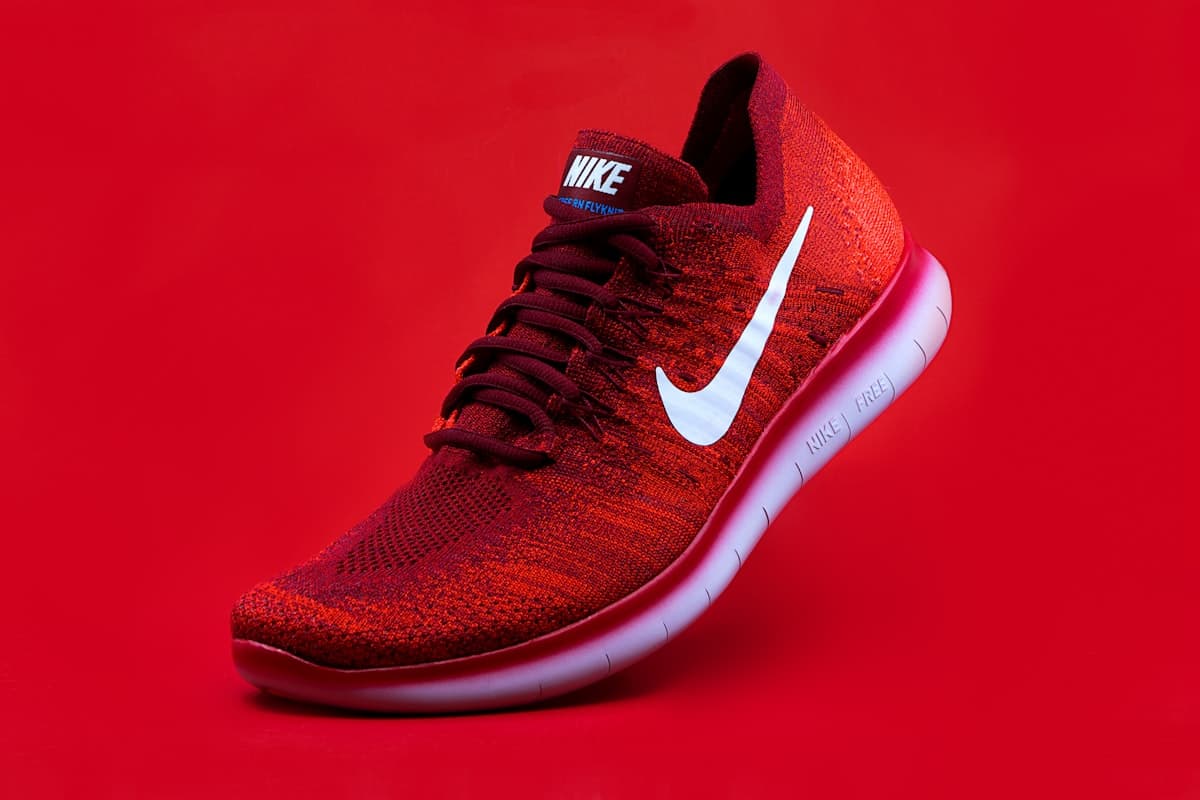 Fotovyn output
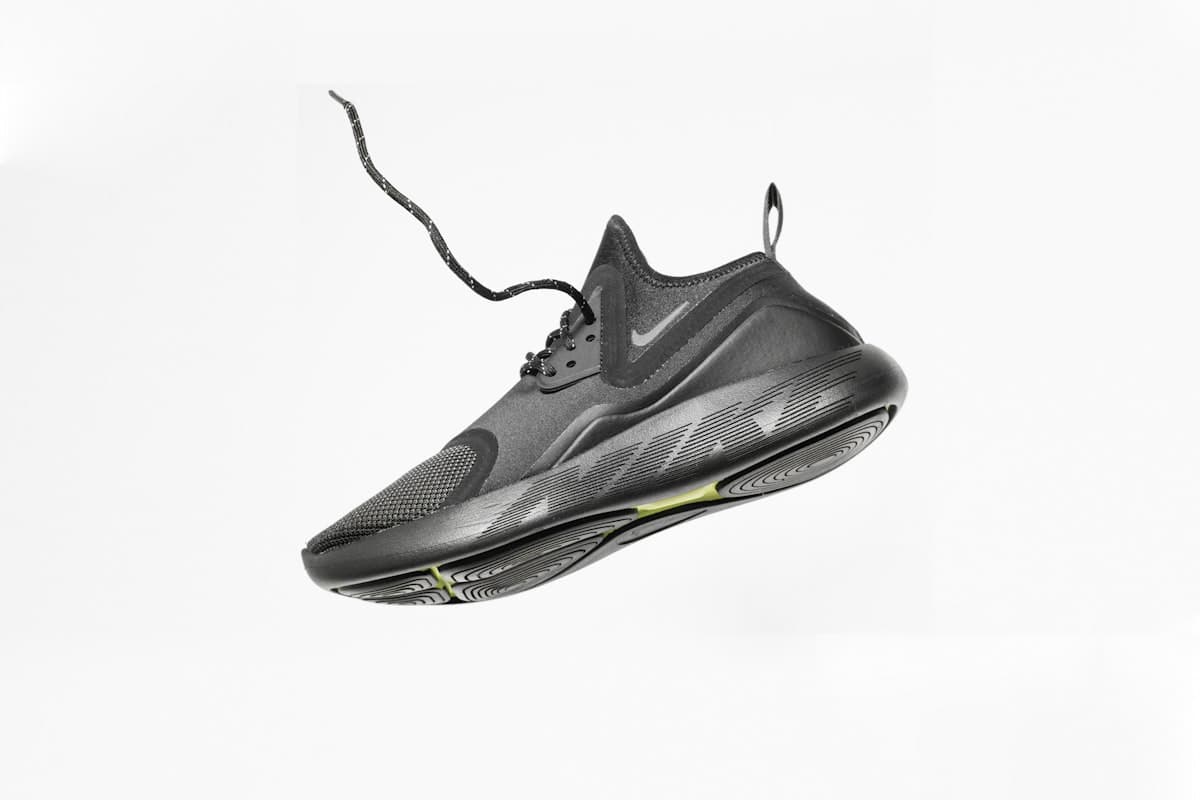 Your photo
Drag to compare
As your range grows, traditional production becomes the bottleneck between a finished product and a listing that actually sells.
Studios, models, stylists, and editing add up fast — and the bill repeats every time your catalog changes.
Different shoots, lighting, and angles make your storefront look inconsistent and less trustworthy to buyers.
New products ship weekly, but booking and producing imagery takes days you don't have.
Shopify heroes, marketplace squares, Meta ads, and email banners each need a different crop and treatment.
Drag any slider to see how a basic product photo becomes a finished, channel-ready asset.
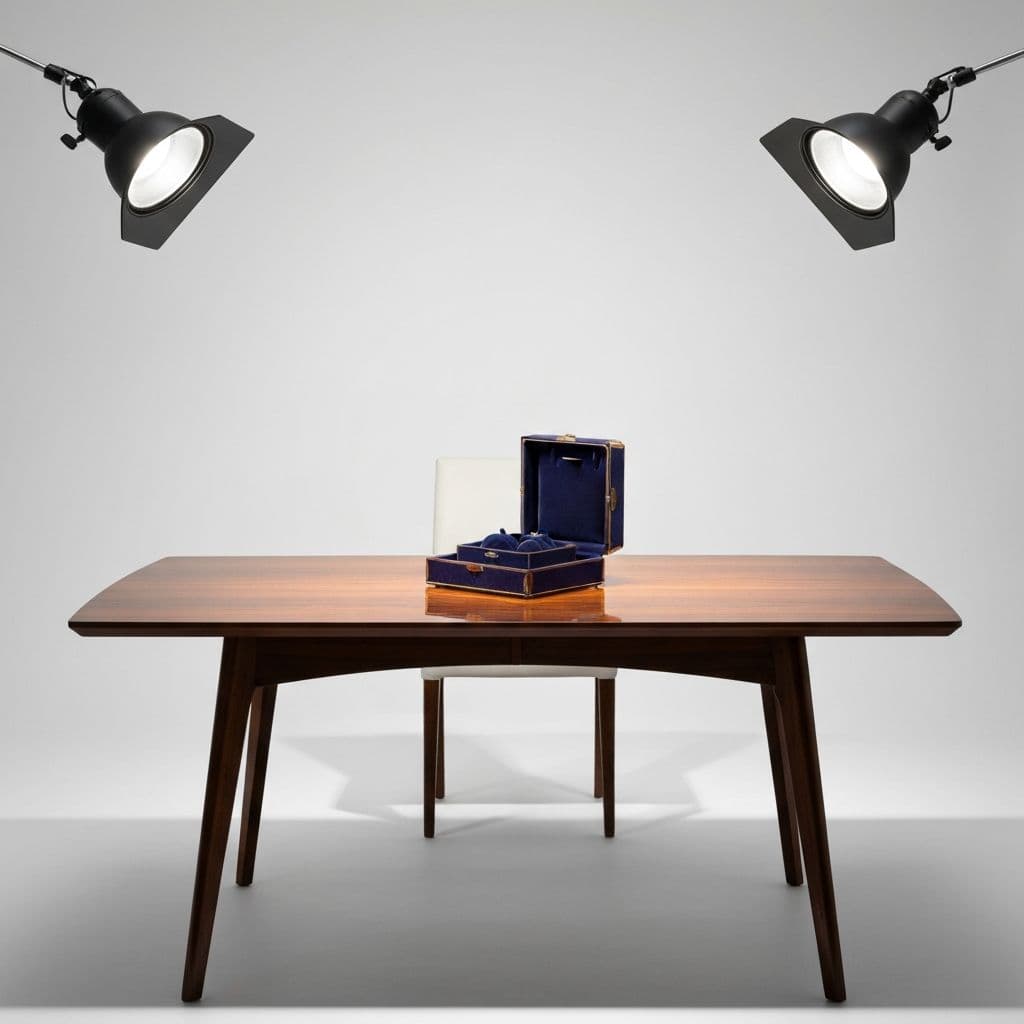
Studio scene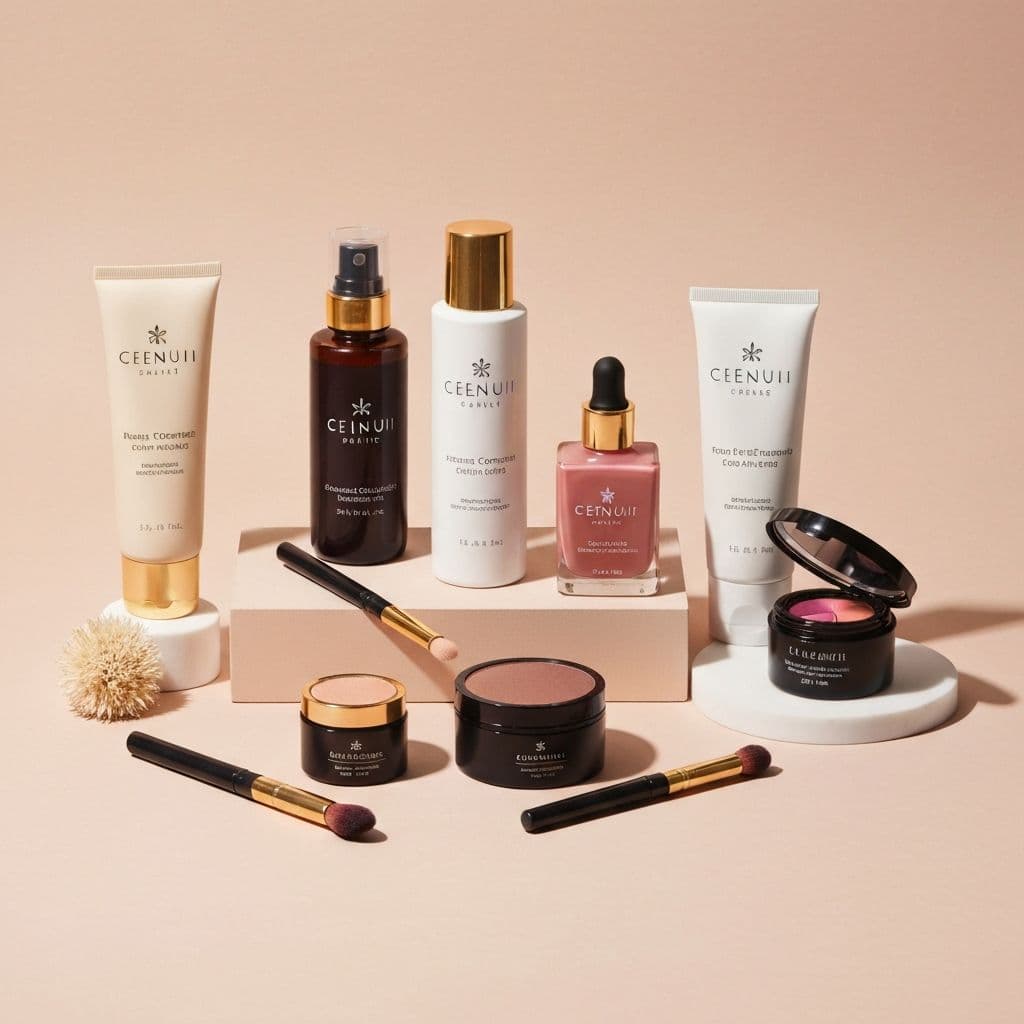 Basic packshot
A plain product photo becomes a campaign-grade studio image with controlled light and depth.
Seamless backdrop · precision lighting · luxury staging
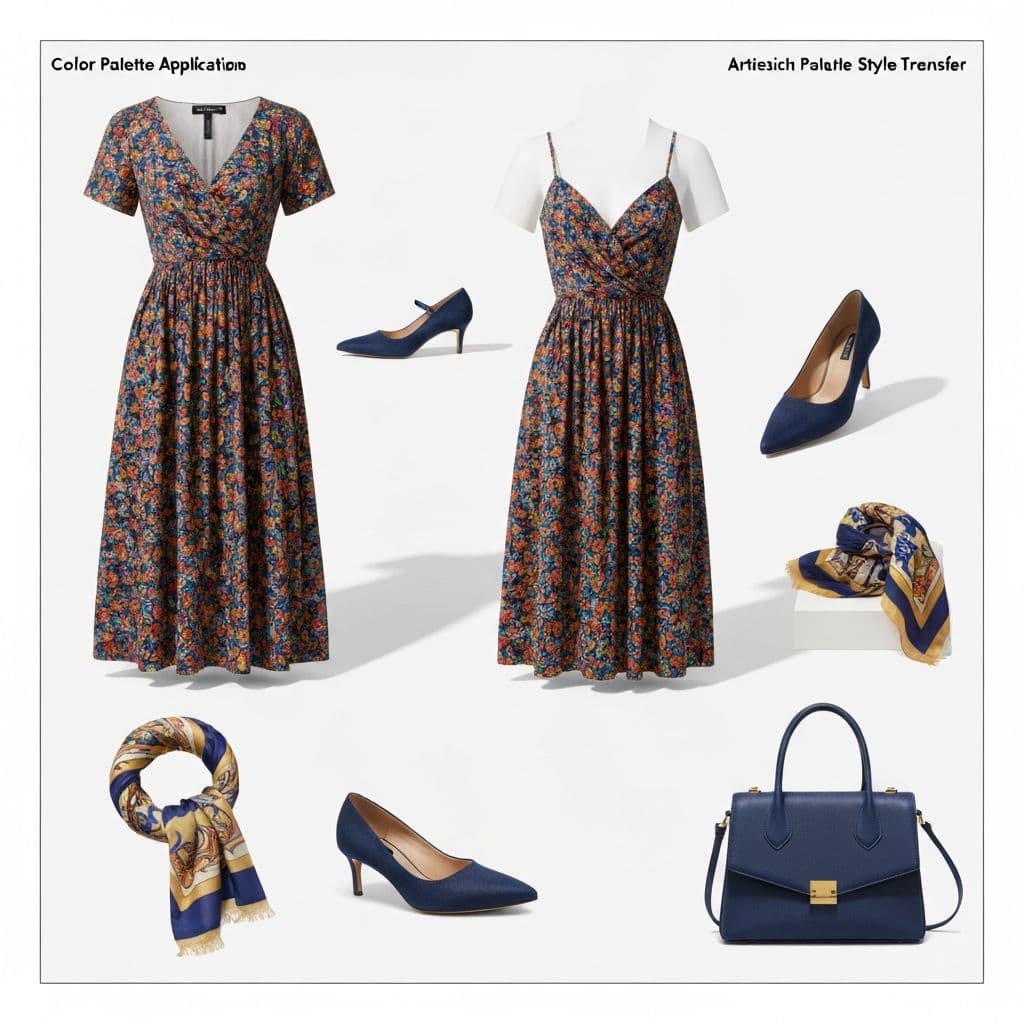
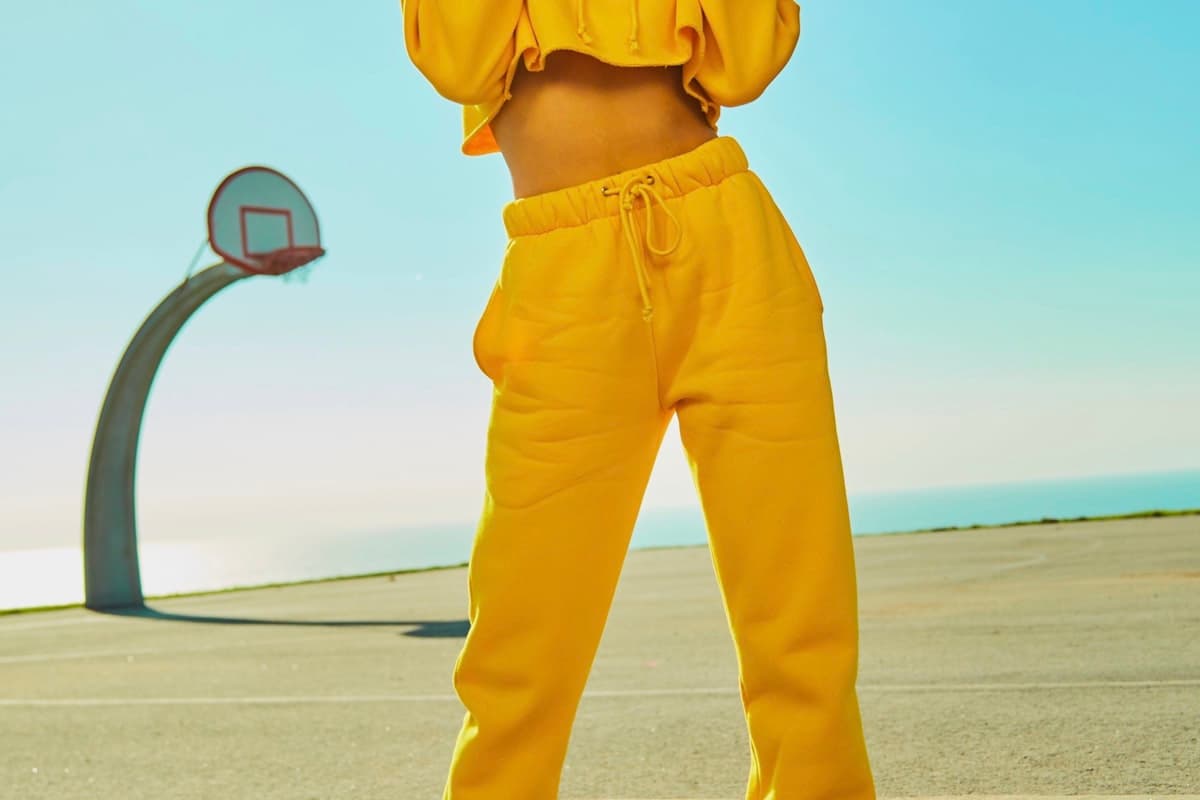 On-model editorial
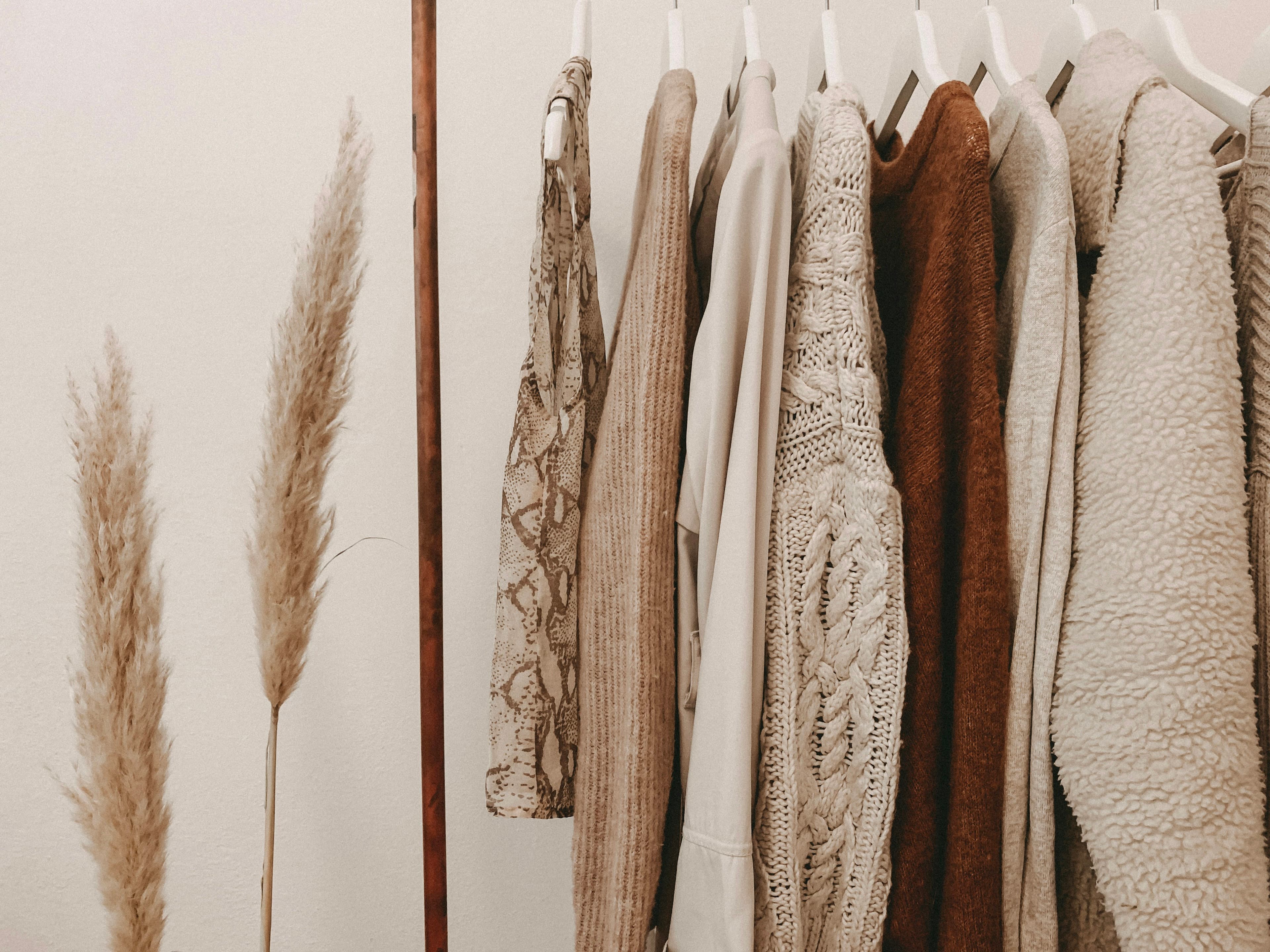 Flat-lay shot
Flat-lay garments turn into editorial, on-model visuals without booking a single model.
On-model editorial · natural pose · outdoor lifestyle
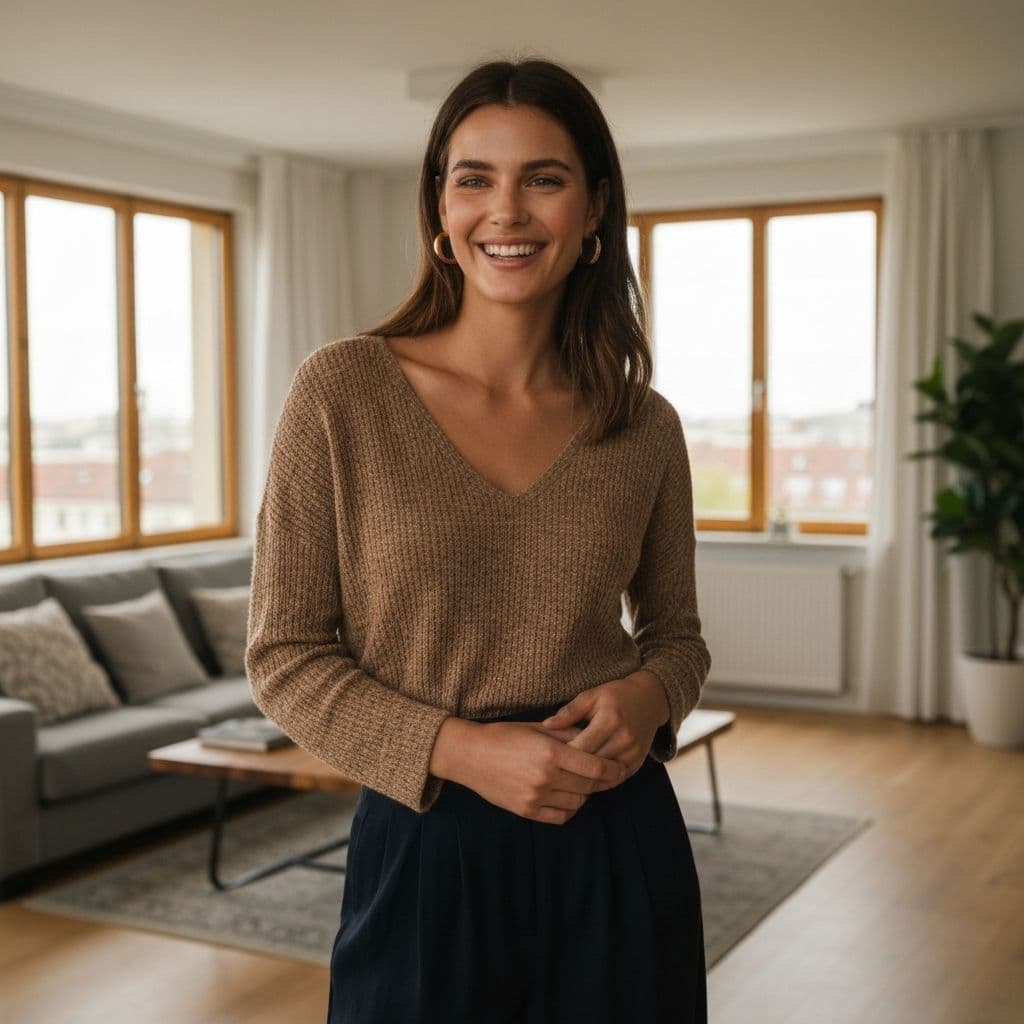
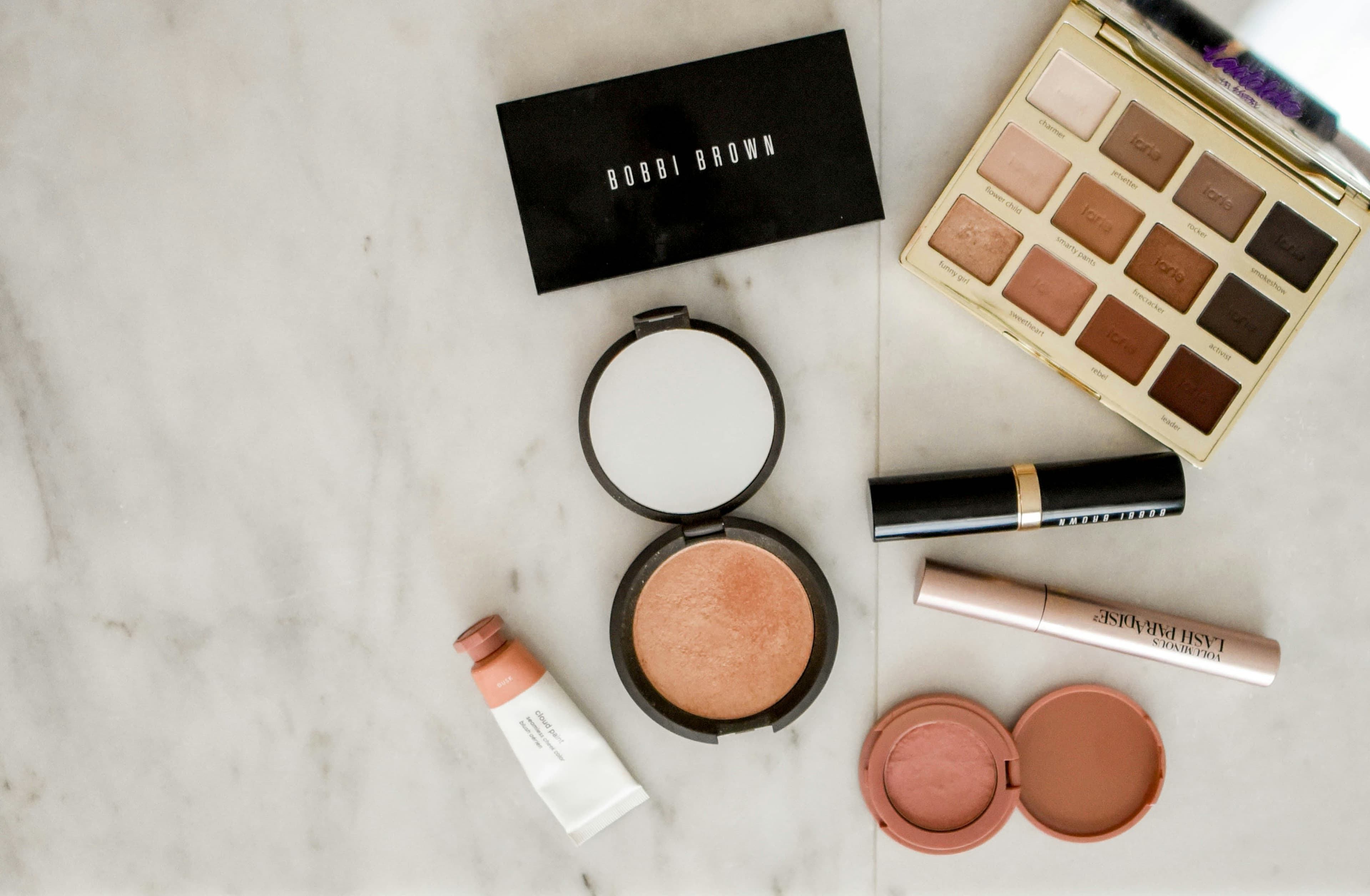 Lifestyle scene
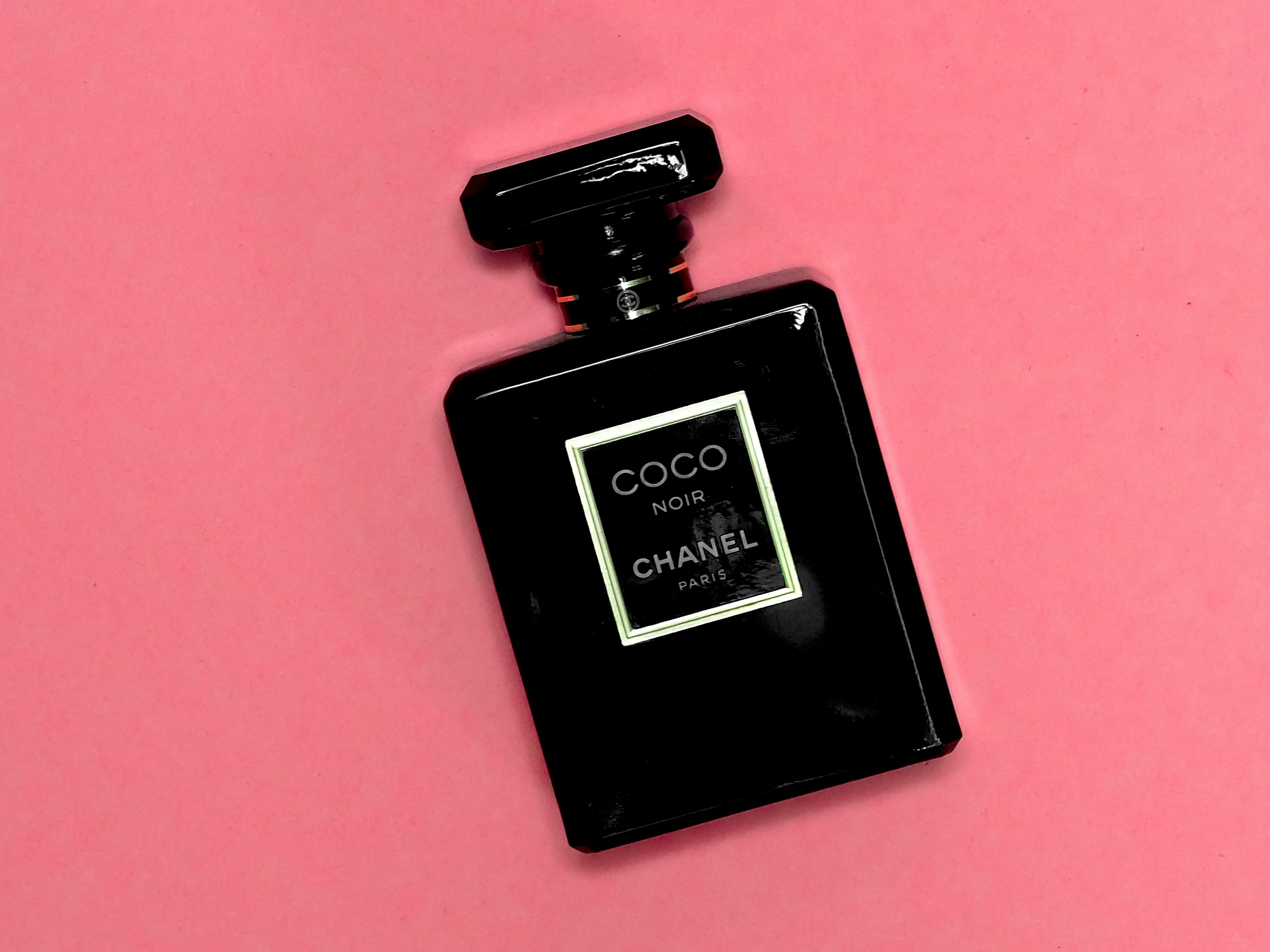
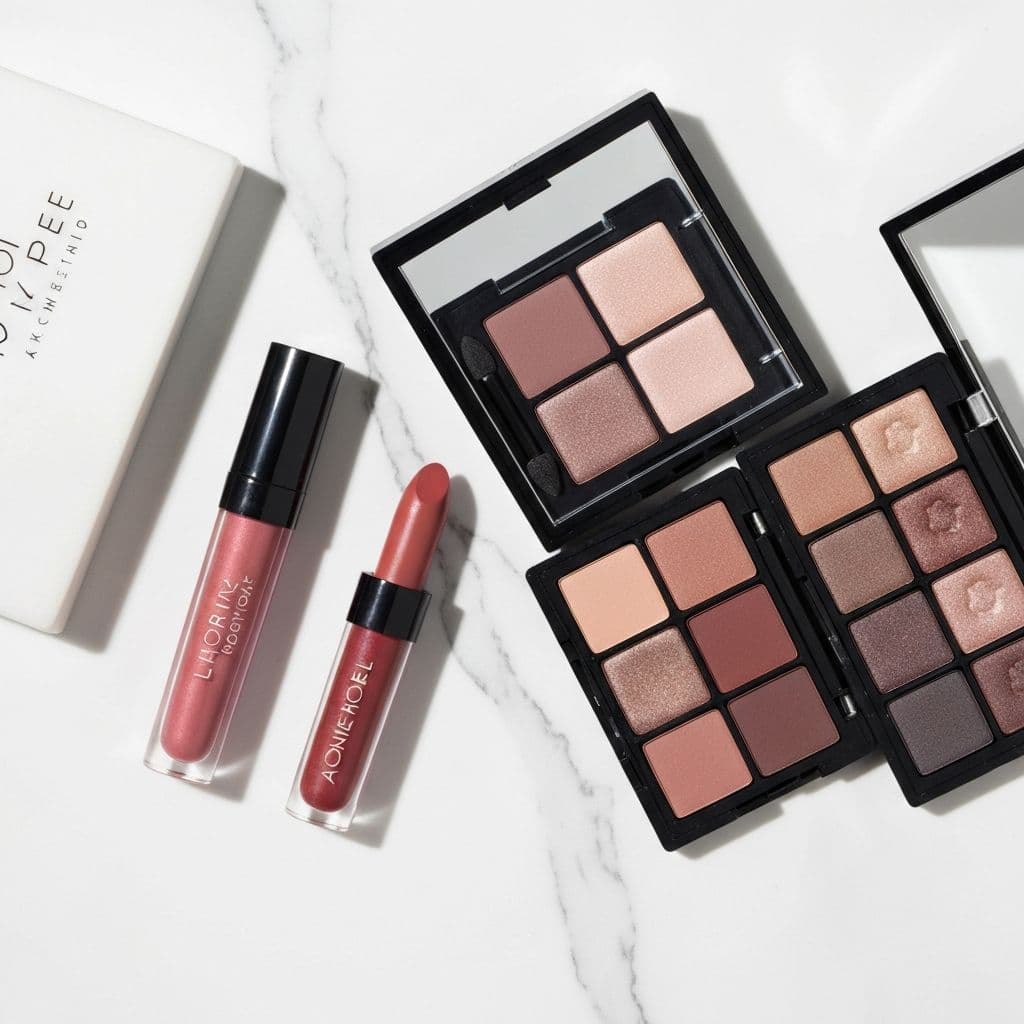 Plain packshot
Drop any product into believable scenes built for scroll-stopping social and paid ads.
Warm props · shallow depth of field · real-world scene
A repeatable workflow your whole team can run — no design tools, no studio booking.
Drop in the product photo you already have — a packshot, flat-lay, or marketplace image.
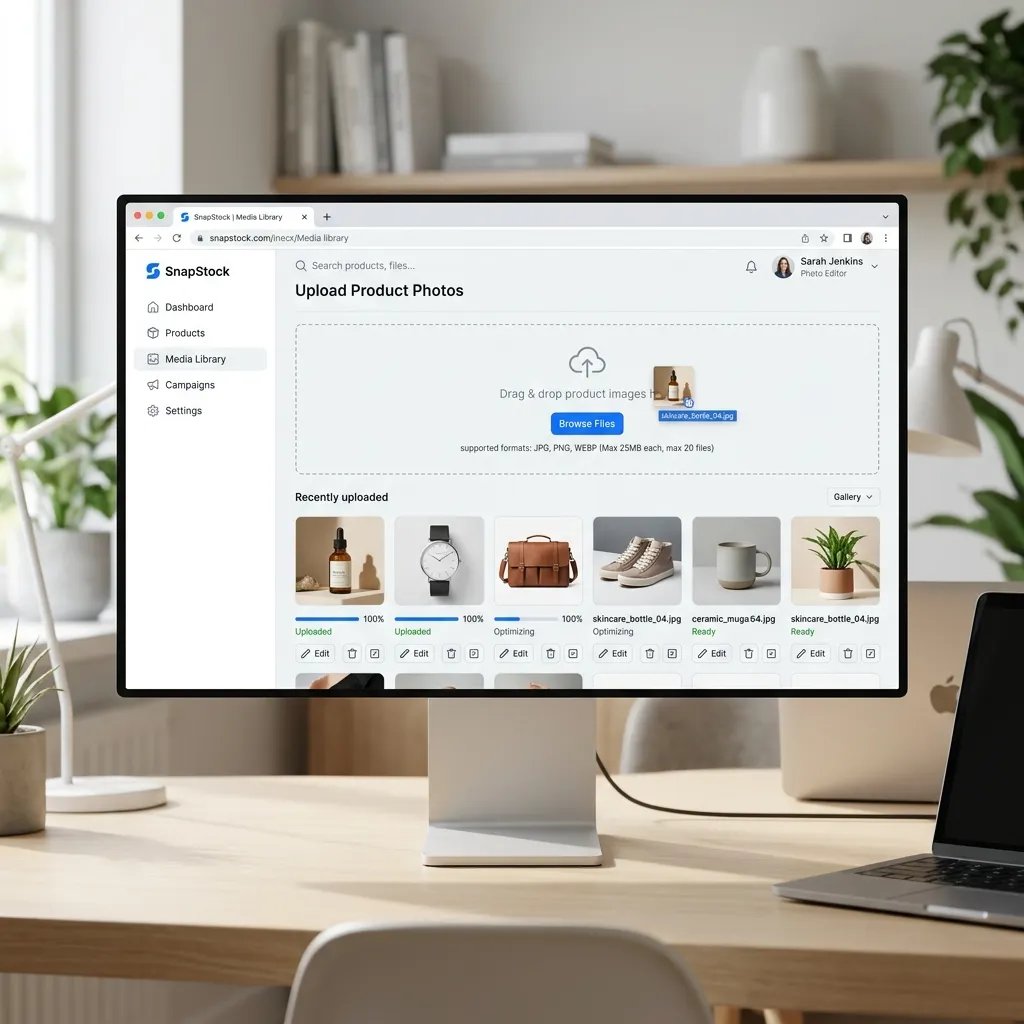
Pick a preset — studio, lifestyle, model, ad — or describe the exact scene you want.
Fotovyn produces multiple on-brand options at once — consistent across every product.

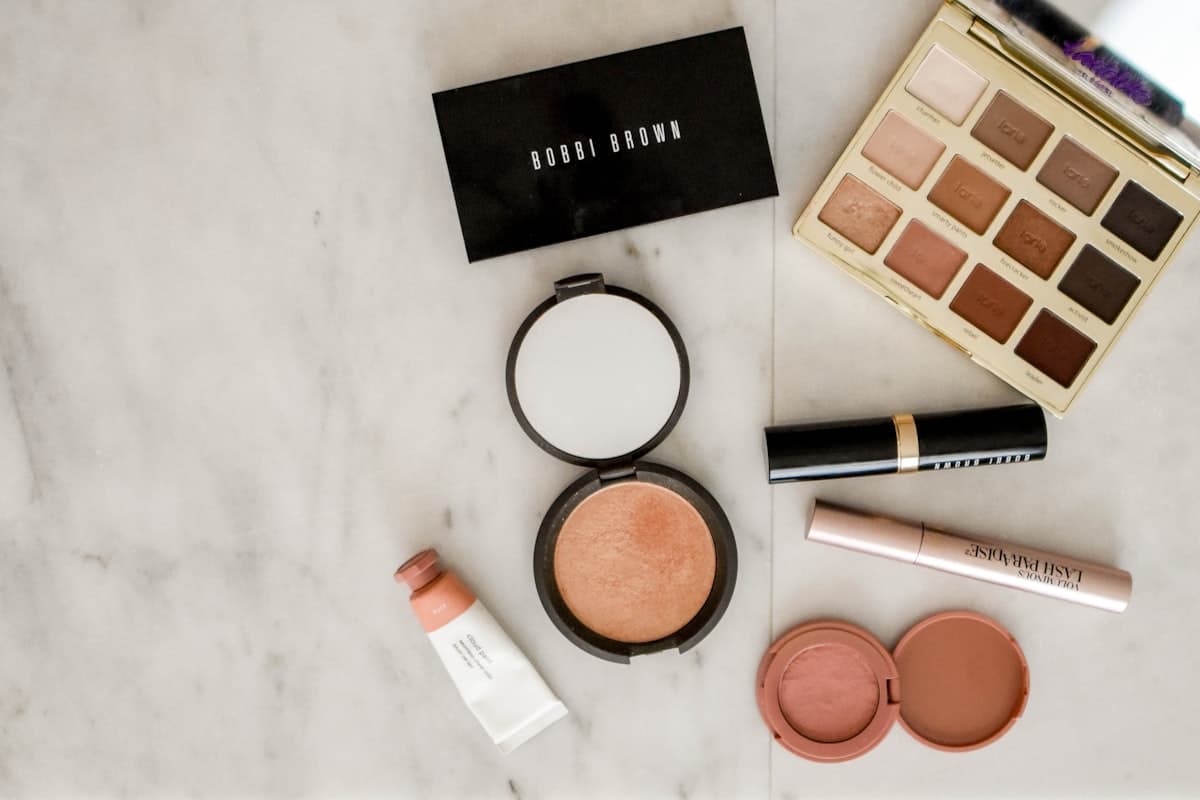
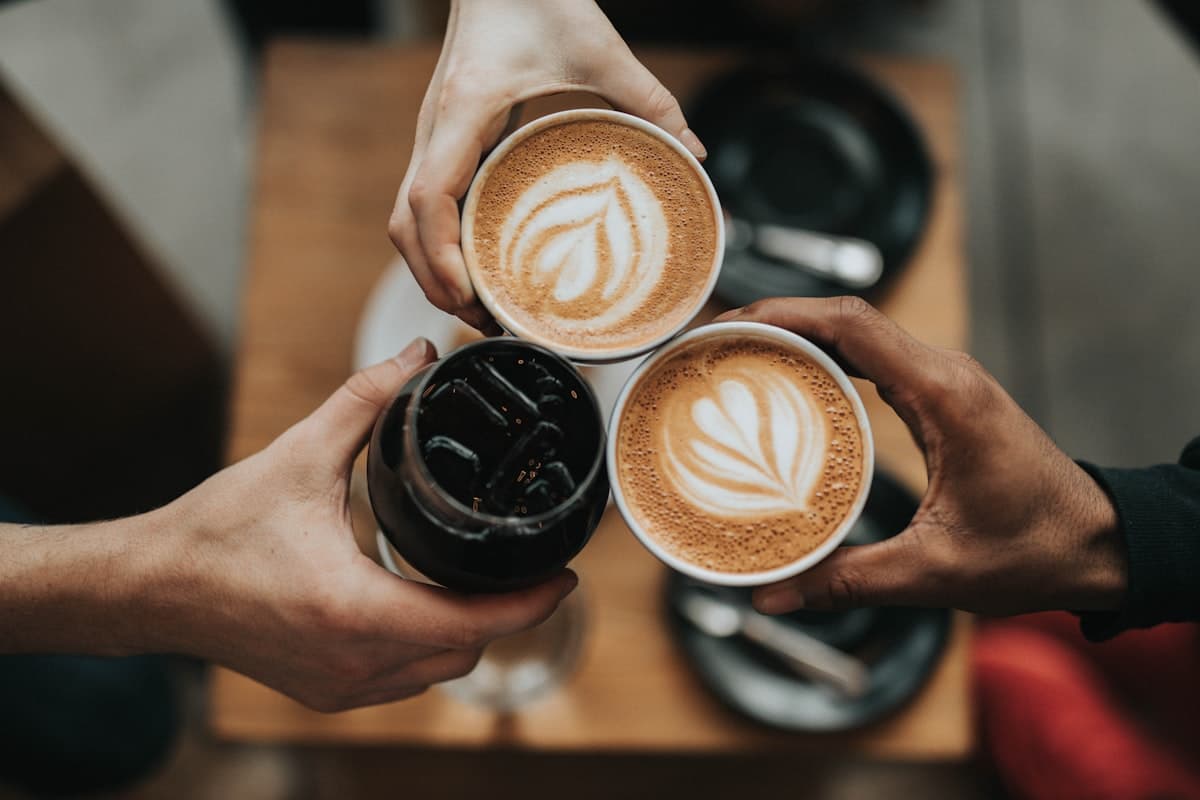
Download store, ad, social, and marketplace formats — ready to publish.
Every capability maps to a job your store actually needs done — not vague AI promises.
Generate clean studio backdrops with realistic shadows, reflections, and premium product lighting.
You get — Seamless studio images sized for product pages
Place products into believable real-world scenes — interiors, outdoors, on-the-go.
You get — Scene-based images for ads and storytelling
Show clothing and accessories on models while keeping the product accurate and front-and-center.
You get — On-model editorial and lookbook shots
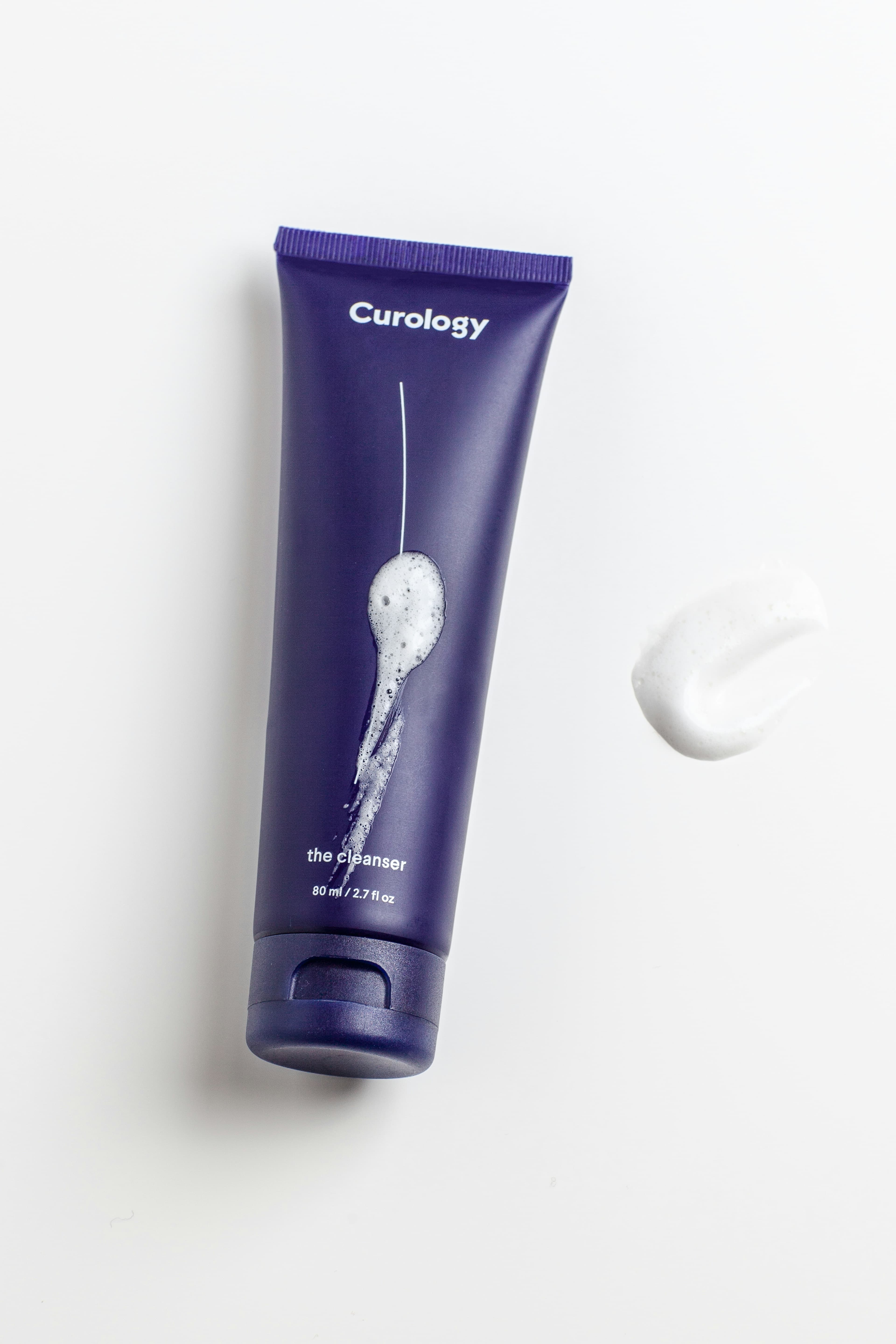
Create consistent visuals across many SKUs at once instead of editing each item by hand.
You get — Matched image sets across your entire range
Lock colors, mood, backgrounds, and output style so every image stays on-brand.
You get — Repeatable styles you can reuse
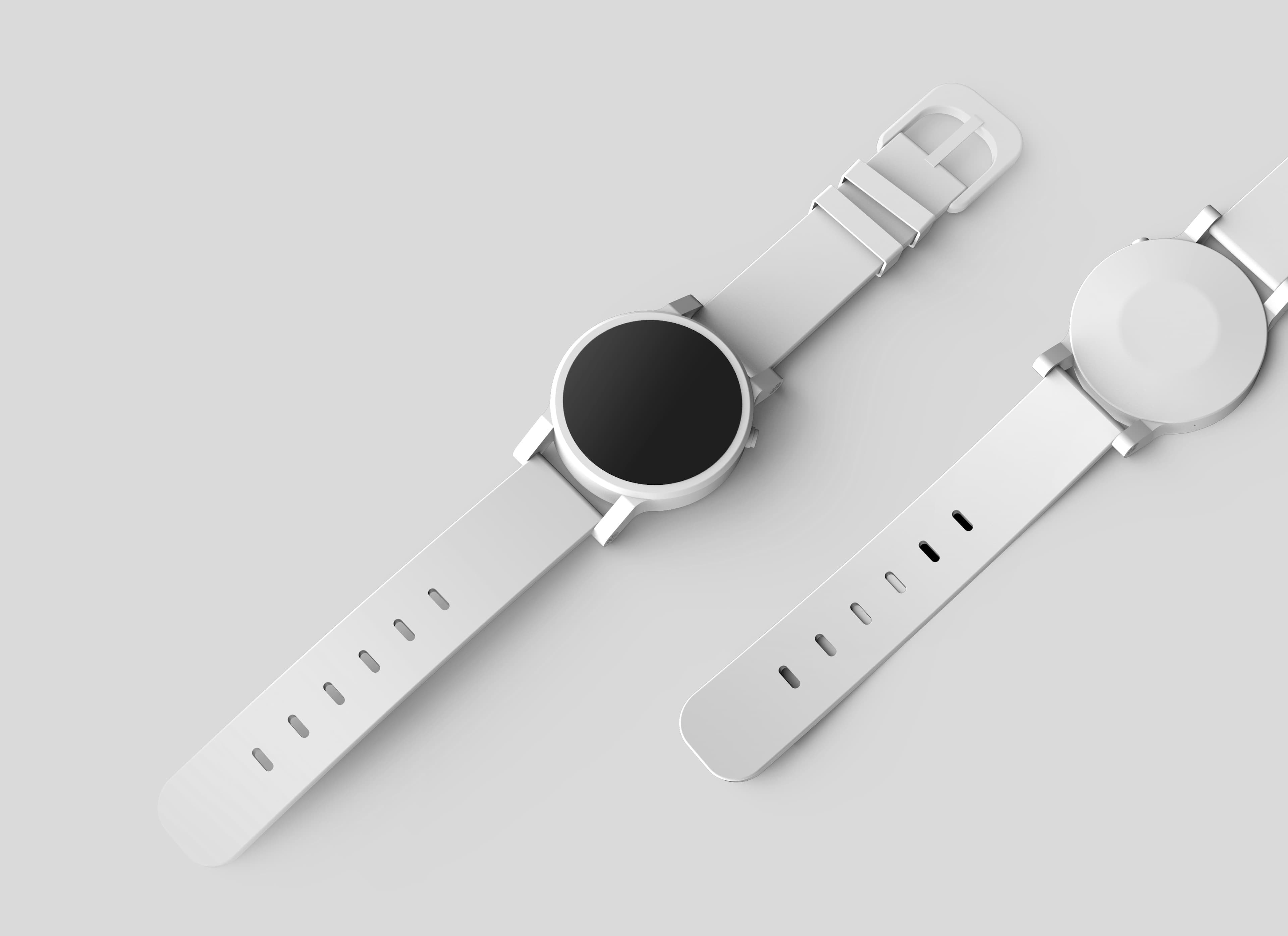
Export the exact formats each channel needs — store, marketplace, social, and ads.
You get — Ready-to-upload assets for every placement
A straight comparison of how product imagery actually gets made — no inflated claims.
Comparison reflects typical workflows — results depend on input quality and plan
Wherever your products live, Fotovyn fits the workflow you already run.
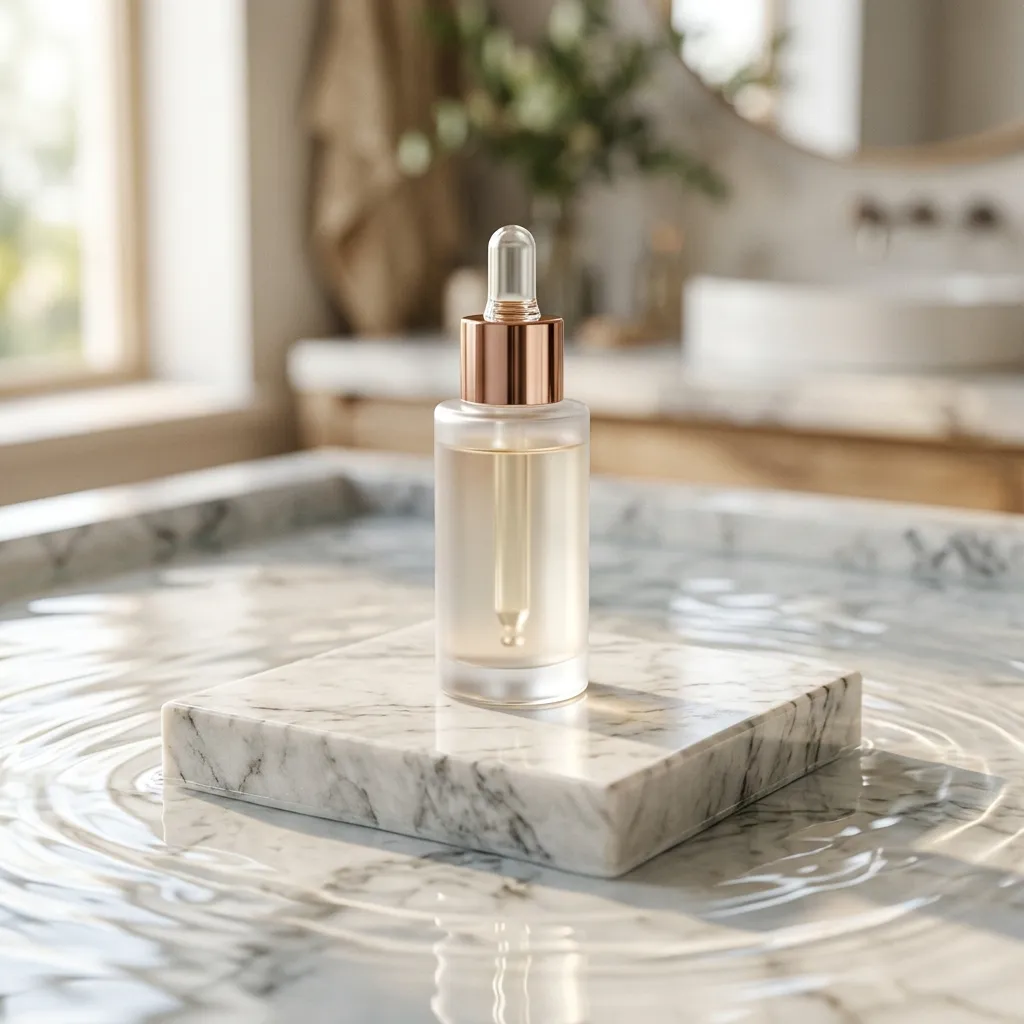
Challenge — New drops need hero imagery before launch day.
Fotovyn — Generate store heroes and PDP shots from a single packshot.
Studio + lifestyle hero set
Challenge — Hundreds of SKUs, inconsistent legacy photos.
Fotovyn — Batch-standardize visuals across your whole catalog.
Matched product set
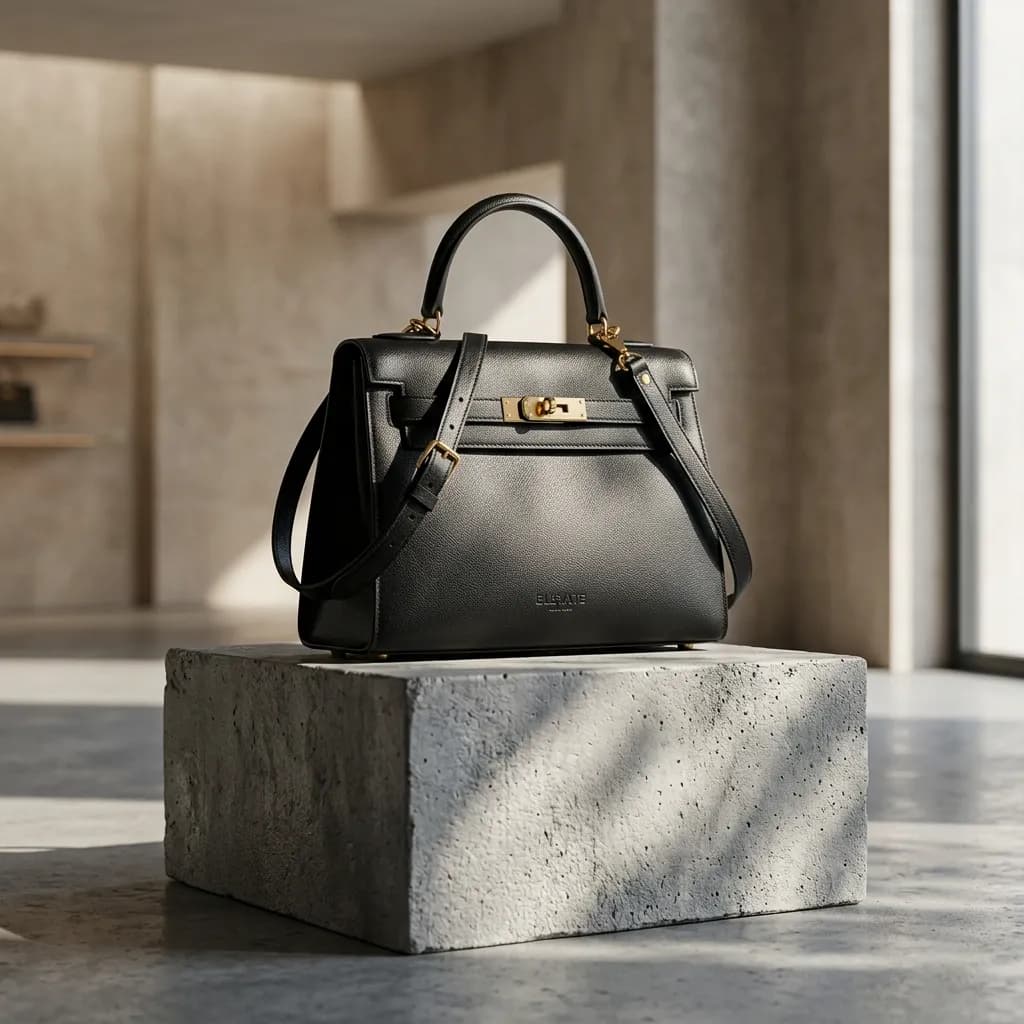
Challenge — Flat-lays and mannequin shots feel flat.
Fotovyn — Turn garments into on-model, lookbook-style visuals.
Editorial model shots
Challenge — Packshots don't convey texture or mood.
Fotovyn — Build clean studio and lifestyle scenes that sell the feel.
Studio + lifestyle ads

Challenge — Client content demands outpace production.
Fotovyn — Spin up on-brand variations per client, fast.
Per-client asset libraries
Challenge — Each marketplace wants different image specs.
Fotovyn — Export listing-ready visuals in the right formats.
Channel-ready listings
Fotovyn is a production tool for catalogs. Here's exactly how it's designed to stay reliable.
Built around keeping your actual product accurate — not generating unrelated AI art.
Save and reuse looks so visuals stay consistent across products and over time.
Generate across many SKUs in one pass, designed for real catalog volume.
You preview and pick the outputs that ship — nothing publishes automatically.
Download finished assets in store, ad, and marketplace formats whenever you want.
Ongoing e-commerce production, not one-off novelty images.
Browse representative outputs by category. Examples are illustrative of supported styles.
Start free, then pick the plan that matches how much you publish.
Testing Fotovyn
Solo sellers launching products
Growing brands creating weekly content
Agencies and larger catalogs
Straight answers about quality, accuracy, credits, and commercial use — so you can try Fotovyn with confidence.
Upload one product image and generate your first studio, lifestyle, or ad-ready visuals in minutes.